Limits, privacy and settings
The daily chat limit, where the AI runs, what's kept, and what happens when the chat is off.
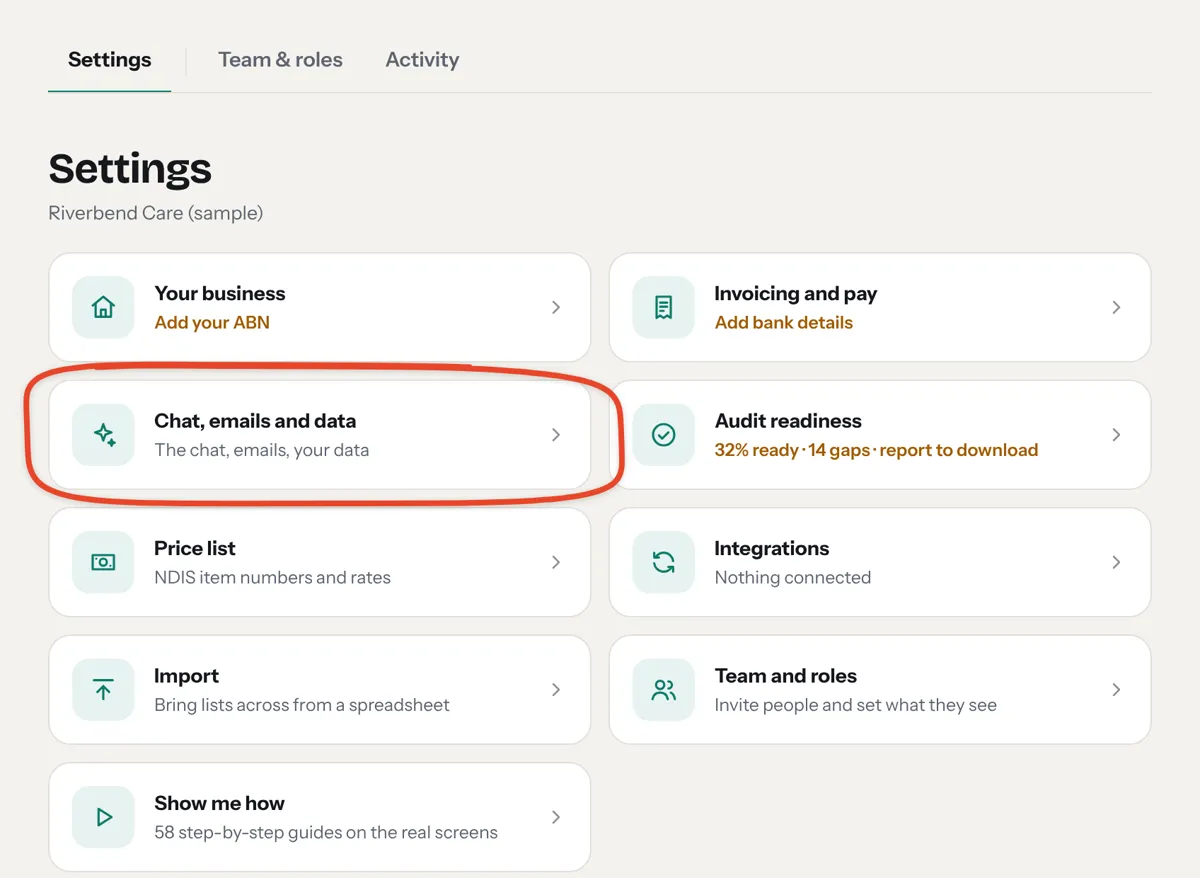
Only the owner can change these, in Settings › The chat. The phone app has the same settings.
The daily limit
Chat requests a day for the whole team starts at 300. You can set it from 0 to 5,000. Setting it to 0 switches the chat off. Under the box, Settings shows how many were used in the last 24 hours.
Each message you send counts as one request, and so does each answer on a call. Starting calls and sorting files have their own daily limits, so they don't use up the chat.
The limit resets at midnight in your business's time zone. When it's used up: "Your business has used today's chat allowance. It resets at midnight. An owner can change it in Settings. The forms on each page still work."
Each person can send 12 messages a minute. Send more and it says "That's a lot in one minute. Wait a moment, then try again."
When calls or file sorting reach their own limit, it says "Your business has used today's allowance for calls" (or "for sorting files"). These also reset at midnight.
Your plan also includes a monthly allowance for the assistant. See Billing and your plan.
Where the AI runs
Depending on how H&W Hub is set up, the AI runs in Australia or outside it. Settings › The chat says where. If it runs outside Australia, the owner must tick Allow the chat to use an AI service outside Australia before the chat works.
Calls always use ElevenLabs, a voice service outside Australia. Where the chat runs outside Australia, allowing AI outside Australia covers calls too. Where the chat runs in Australia, the owner allows calls on their own with Allow calls through a voice service outside Australia. The chat keeps running in Australia either way. See Voice and calls.
What's kept
Conversations aren't saved in H&W Hub. The conversation stays in your browser tab while it's open, for you and that business only. Nothing from the chat is saved to your records until someone presses a card's button, or sends files to be sorted.
The phone app
The first time you use the assistant in the phone app, it asks Use the assistant? and says what is sent to Claude, the AI made by Anthropic. Tap Allow to go on. To change your mind, use the Use the assistant switch on Your account.
When the chat is off
The chat is off when the owner hasn't allowed AI outside Australia (where that's needed), or the daily limit is set to 0. The chat box shows why.
It's also paused when the business has no plan running. The owner starts one in Settings › Billing.
The Do it by hand forms on pages like the roster, participants and invoices always work.
Something here doesn’t match what you see, or you’re stuck? Send it from Menu › Platform feedback in H&W Hub, or email officethehealthwellbeinghub@gmail.com.